67 Apps Script / add-on / AI-agent governance
draft
Apps Script, add-ons and AI-agent integrations all run code with a user's OAuth scopes inside the tenant, and anyone can author a script. This control turns Apps Script off by default and on only for the OU that actually builds automation, allows only script projects owned inside the organisation, sets unconfigured third-party apps to blocked so new add-ons and agent integrations must be allowlisted by client ID, and reviews the domain-wide delegation list — a delegated service account bypasses per-user consent entirely and is the most dangerous add-on of all.
Documentation: Monitor and control Google Apps Script use in your Google Workspace organization
Caveats
- Apps Script on/off and per-app blocking work on all editions; the Apps Script URL-fetch allowlist needs Business Plus+, and OAuth-scope monitoring / high-risk-scope restriction needs Enterprise or Education Standard/Plus.
- The API-controls half is the same screen as №8 and №9 — set it once, and make sure the three controls’ verdicts agree instead of overwriting each other.
Setup steps
- open ↗
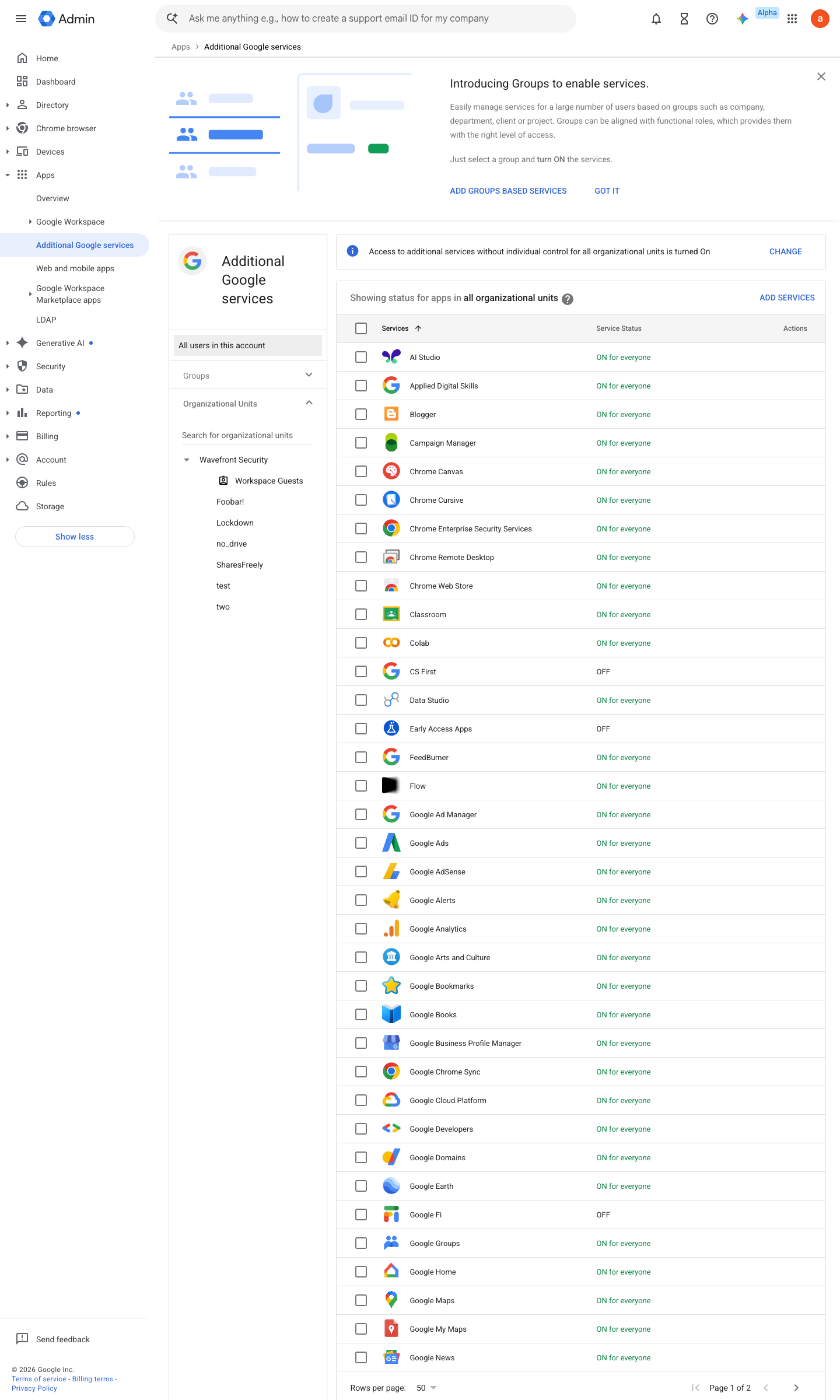
https://admin.google.com/ac/appslist/additional · captured 2026-07-15
Apps › Additional Google services › Google Apps ScriptService status = Off for everyone; On for the automation OU
- open ↗
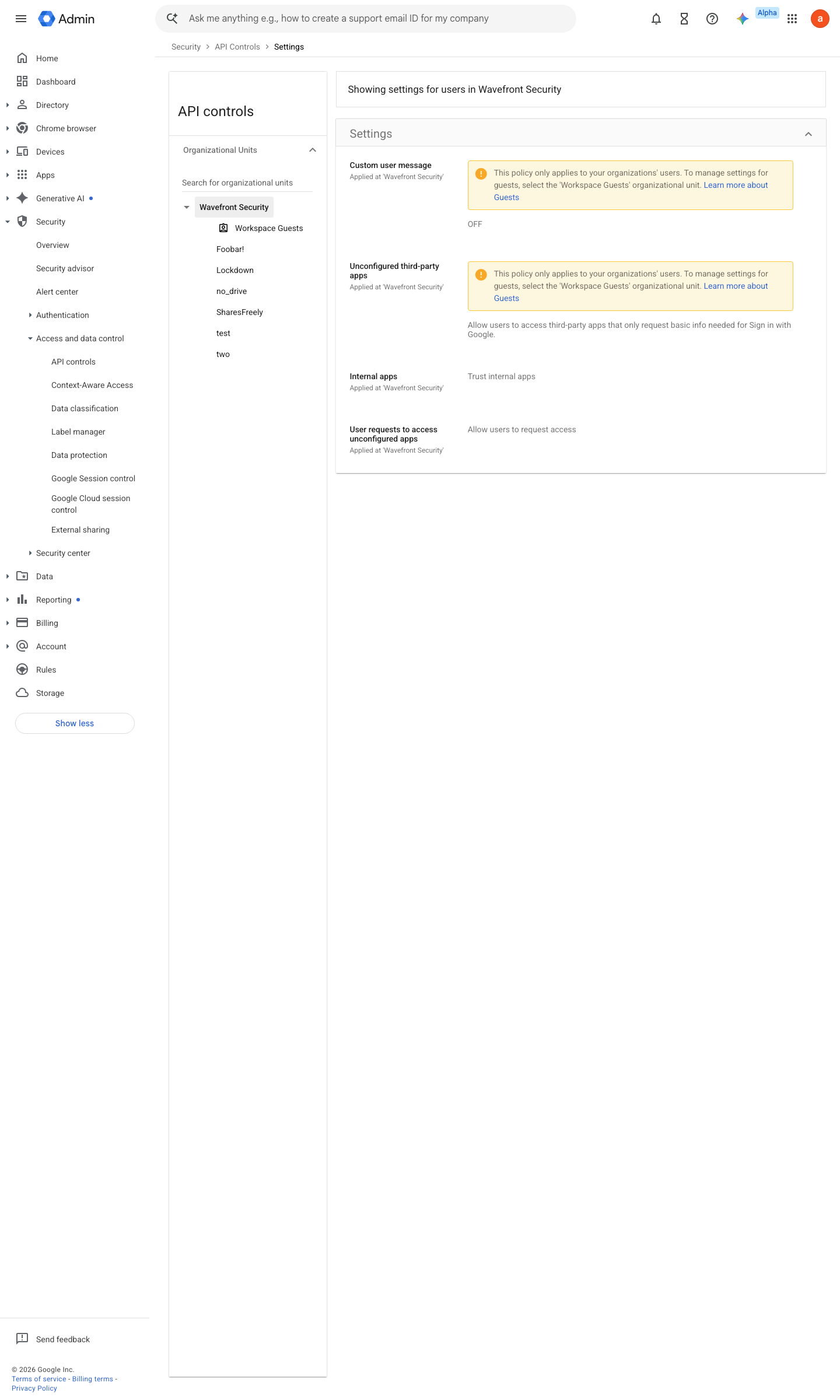
https://admin.google.com/ac/owl/settings · captured 2026-07-15
Security › Access and data control › API controls › App access controlTrust internal, domain-owned apps = On (organisation-owned scripts allowed; external/unknown scripts fall under the unconfigured-apps block)
-
Security › Access and data control › API controls › App access controlSettings: Unconfigured third-party apps = Don't allow users to access any third-party apps; Manage third-party app access: trusted apps added explicitly (№8)
- open ↗
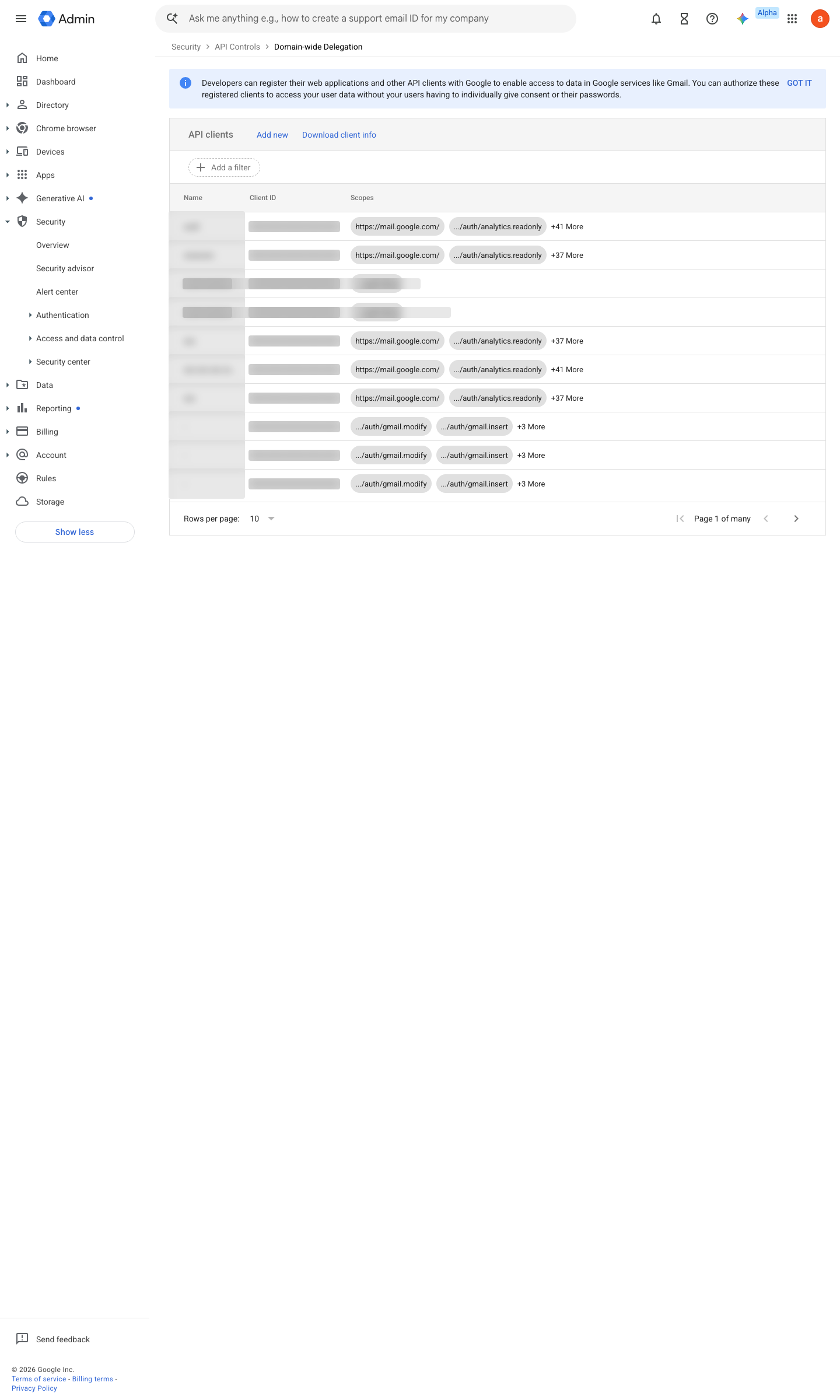
https://admin.google.com/ac/owl/domainwidedelegation · captured 2026-07-15
Security › Access and data control › API controls › Domain-wide delegationRemove any client id without a named owner and a justified scope list
Ongoing maintenance
- automatable: AI agent Monthly: review newly created Apps Script projects and add-on grants against the register.
How to verify
-
From a test account, run a script that calls a restricted API/scope — the consent or execution must be refused per the policy.
draft v0.1.3 Prevent edition All (OAuth-scope controls: Ent/Edu Std+) policy #37 · #19, #36 ↗