15 Calendar external-sharing lockdown
Calendar sharing publishes event detail — titles, attendees, locations — to whoever the user shares with, inside or outside the organisation. Restricting sharing to free/busy hides that content while leaving scheduling workable, and the guest warning tells a user before an invite exposes an event to outsiders. For a targeted-staff threat model a principal's meeting titles and attendee lists are intelligence, and so is a colleague's view of their movements — which is why the internal default matters too.
Caveats
- Free/busy still leaks a pattern of life — an adversary learns when a principal travels, when they are in back-to-back meetings, and when they are unreachable. It hides only content.
- Room and resource calendars are separate objects — they carry their own sharing settings and are routinely left wide open.
- Changes can take up to 24 hours to propagate — re-check the effective policy rather than trusting the console immediately after saving.
Setup steps
- open ↗
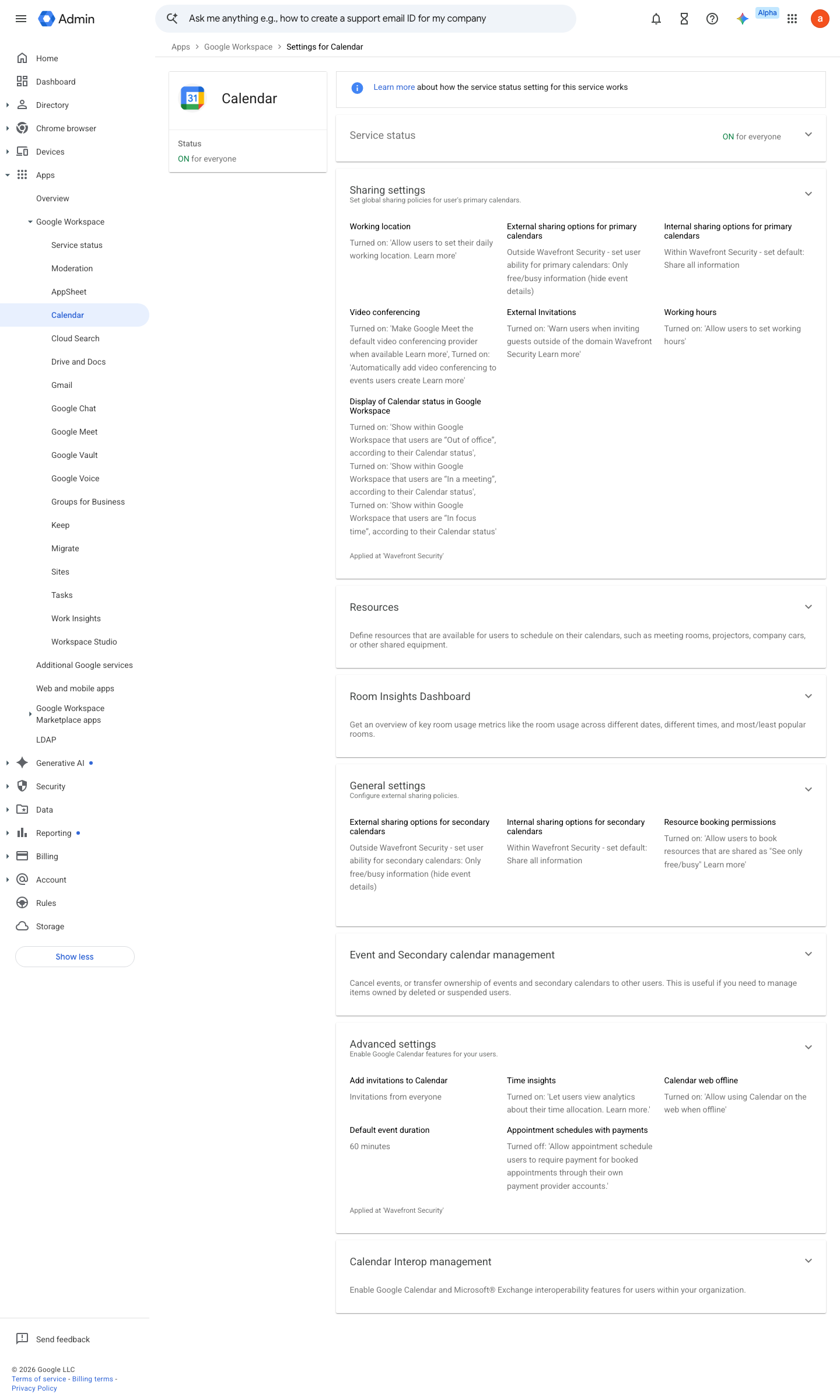
https://admin.google.com/ac/managedsettings/435070579839 · captured 2026-07-15
Apps › Google Workspace › Calendar › Sharing settings- External sharing options for primary calendars
Only free/busy information (hide event details)
- open ↗
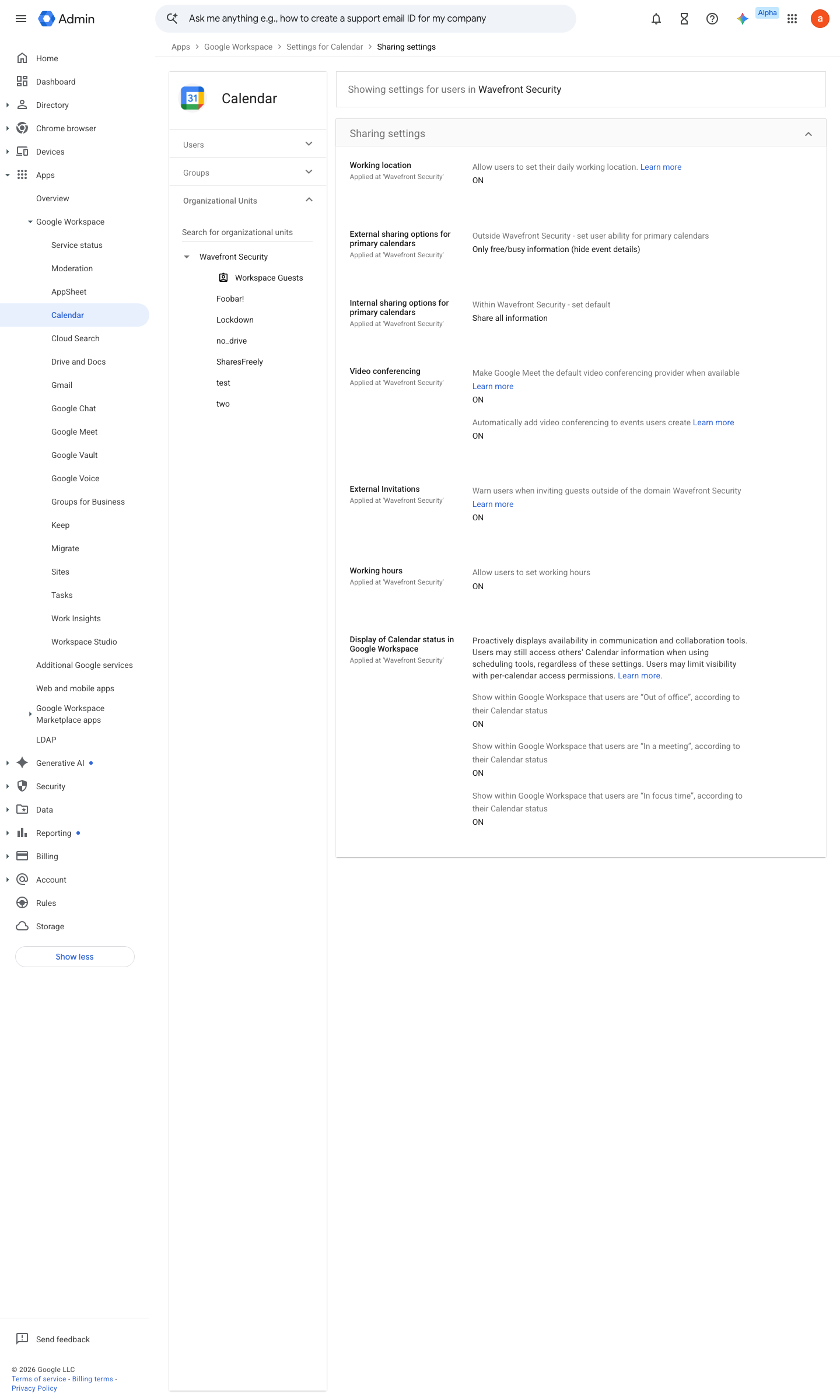
https://admin.google.com/ac/managedsettings/435070579839/sharing · captured 2026-07-15
Apps › Google Workspace › Calendar › Sharing settings- Internal sharing options for primary calendars
Only free/busy information (users can still opt to share more)
- open ↗
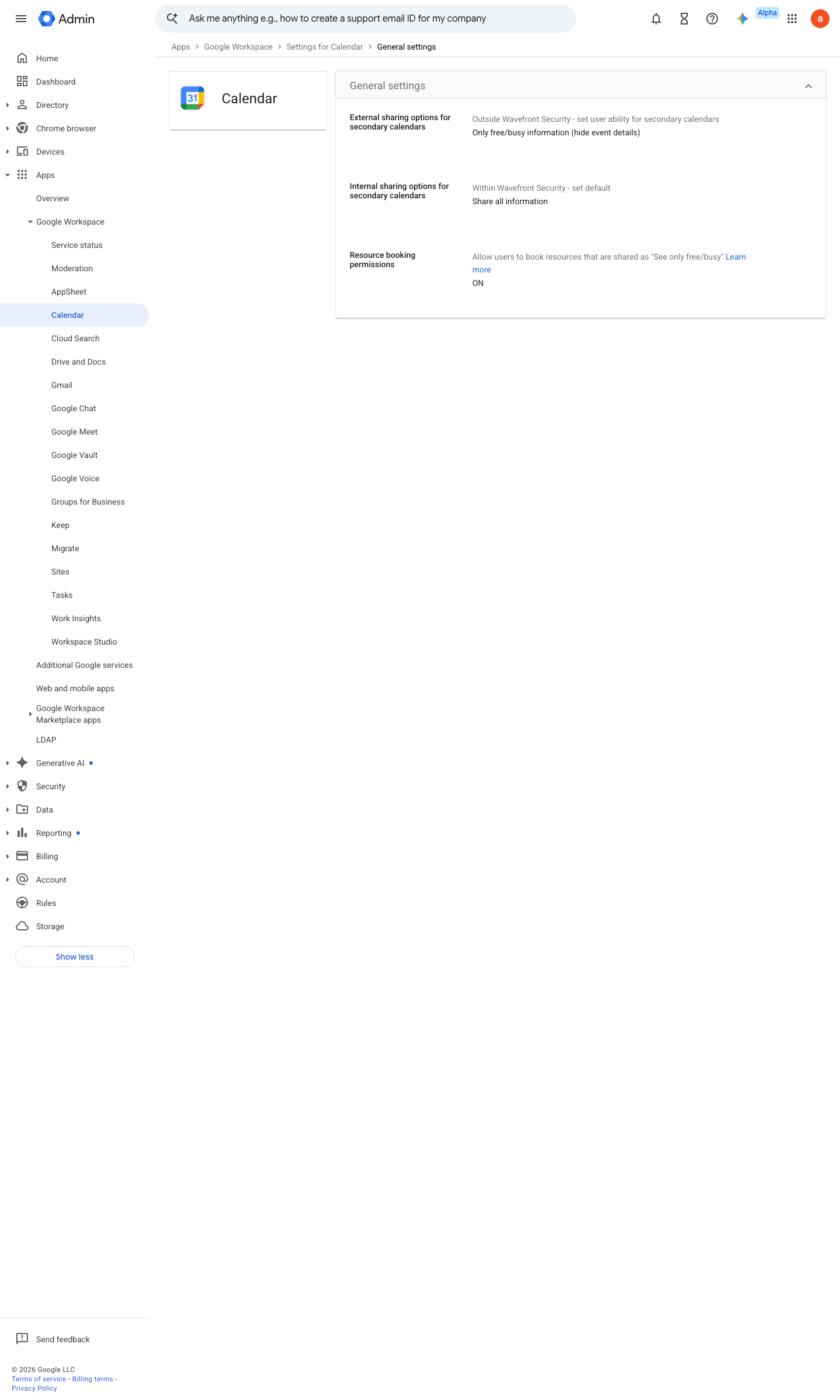
https://admin.google.com/ac/managedsettings/435070579839/general · captured 2026-07-15
Apps › Google Workspace › Calendar › Sharing settingsWarn users when inviting guests outside of the domain = On (checked)
-
Apps › Google Workspace › Calendar › Sharing settingsAudit existing public calendars; revoke 'Make available to public'
Ongoing maintenance
- automatable: script Quarterly: sweep for user calendars published to the public web.
How to verify
-
From an external Google account, open a shared primary calendar of a test user — only free/busy should render, no event titles. Tests the real exposure with zero tenant access.
v0.0.4 Prevent policy #15 · #30 ↗