50 CSE self-hosted / HYOK KACLS
draft
The self-hosted variant of client-side encryption: you run the key access control list service (KACLS) yourself, on your own endpoint, paired with an external IdP that the KACLS trusts for authorisation assertions. Google never sees the key, so no order served on Google can produce your plaintext — that is the entire threat-model payoff, and it is why the control is scoped to the OU holding the crown jewels rather than to the tenant.
Documentation: About client-side encryption · Client-side encryption setup overview
Caveats
- The payoff is near-total against a compelled-provider threat and near-zero against anything else — do not deploy HYOK for a threat model that does not include legal compulsion of Google.
- If your KACLS is unreachable, encrypted content is unreadable — you have built your own single point of failure, and key-service uptime is now your uptime.
- CSE breaks server-side features on the encrypted content — no search inside, no Vault indexing, no DLP inspection, no server-side spam scanning.
- Requires Enterprise Plus, Education Standard or Plus, or Frontline Plus — on other editions this screen does not resolve (as with №71).
Setup steps
- open ↗
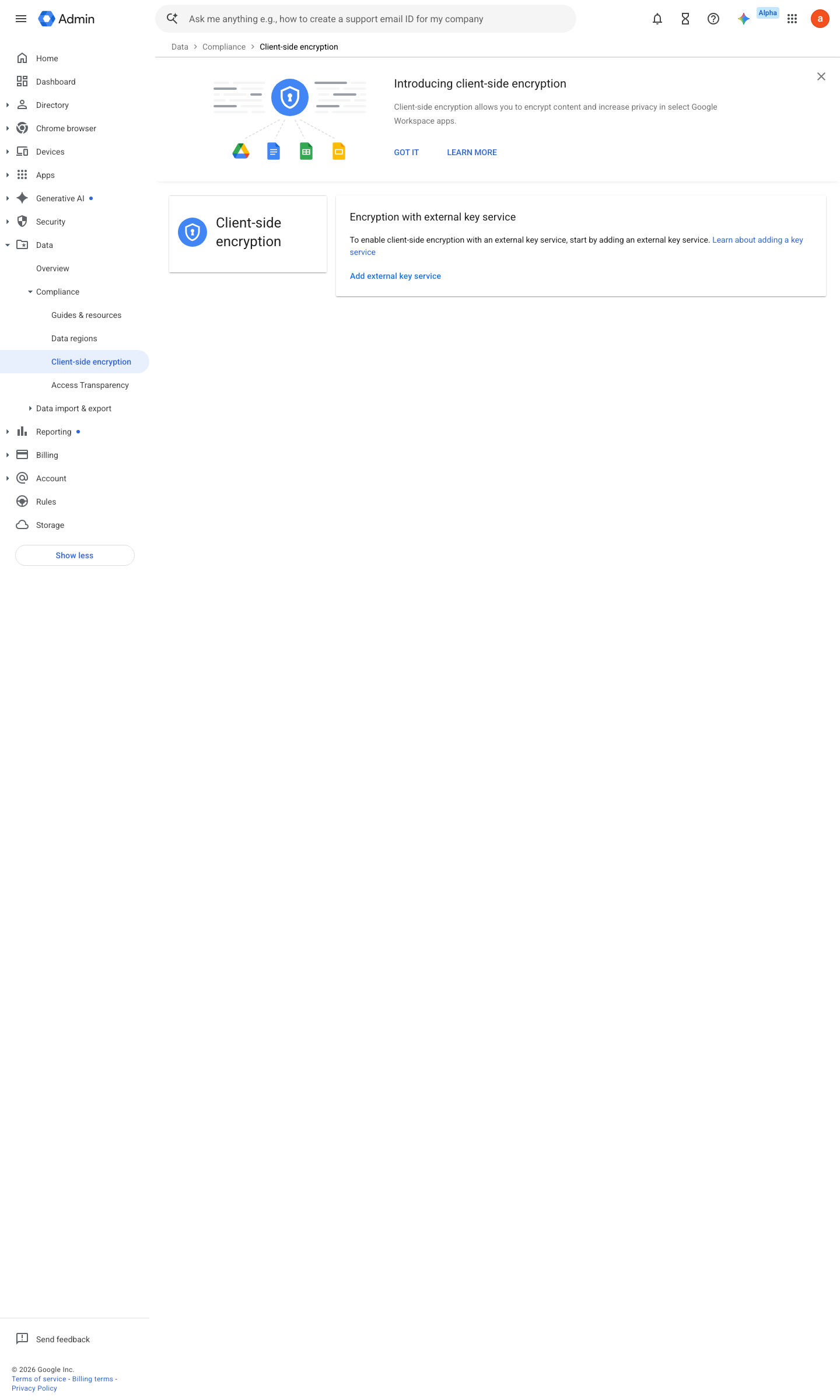
https://admin.google.com/ac/cse · captured 2026-07-15
Data › Compliance › Client-side encryption › Key serviceAdd key service → Name + KACLS URL (your endpoint, e.g. https://kacls.example.org/v1)
-
Data › Compliance › Client-side encryption › Identity provider.well-known/cse-configuration file on your domain (or the Admin console IdP fallback): name, client_id, discovery_uri (OIDC discovery URL), grant_type, applications
-
Data › Compliance › Client-side encryption › Assign to usersKey service assigned to the high-risk OU/group only
-
Data › Compliance › Client-side encryptionClient-side encryption status = On for Drive (Docs/Sheets/Slides fall under Drive; add Gmail, Calendar, Meet as needed) for the high-risk OU; Off elsewhere
Ongoing maintenance
- automatable: script Continuously: operate, patch and monitor the KACLS host — its downtime bricks every CSE document.
- requires a human Quarterly: test KACLS key-material backup restore.
How to verify
-
Probe the self-hosted KACLS from outside, then open a CSE document as an authorised user and confirm the key operation appears in the KACLS’s own logs — the log line is the point of HYOK.
curl -s -o /dev/null -w "%{http_code}" https://<kacls-host>/status
draft v0.1.3 Prevent edition Ent Plus · Edu Std+ · Frontline Plus policy #16 · #19 ↗