25 Gmail Security Sandbox + safety-toggle verification
Security Sandbox detonates incoming attachments in a virtual machine before delivery, catching malware that static scanning misses; it can run for a whole OU or be narrowed by rules (external senders only, high-risk OU only) if the delivery delay is unaffordable tenant-wide. The other half of this control is free on every edition: Gmail's Safety toggles for attachments, links and images, and spoofing and authentication — plus the auto-adopt setting that applies future Google-recommended safety settings without a manual review cycle. Those toggles matter as much as the sandbox does, because they ship on defaults that warn rather than quarantine.
Caveats
- Security Sandbox is available on Business Standard and Plus, Enterprise Standard and Plus, and Frontline Plus — on editions without it only the Safety half of this control is available, and it fully applies.
- ‘Enable virtual execution’ scans every attachment — which makes targeted sandbox rules redundant.
Setup steps
- open ↗
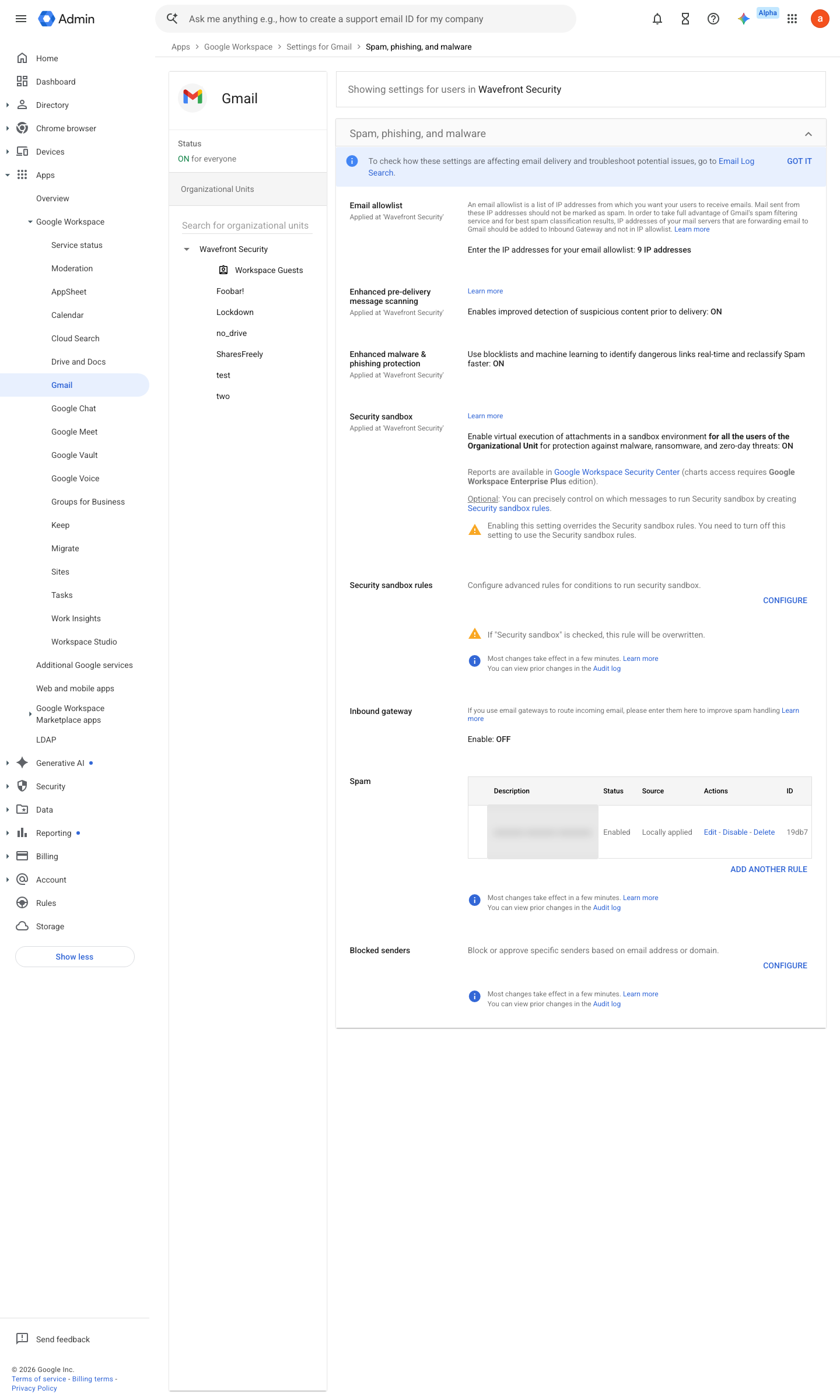
https://admin.google.com/ac/apps/gmail/spam · captured 2026-07-15
Apps › Google Workspace › Gmail › Spam, Phishing and MalwareEnable virtual execution of attachments in a sandbox environment = checked
-
Apps › Google Workspace › Gmail › Spam, Phishing and Malware › Security sandbox rulesSecurity sandbox rules > Configure > match: sender is external AND recipient in high-risk OU
- open ↗
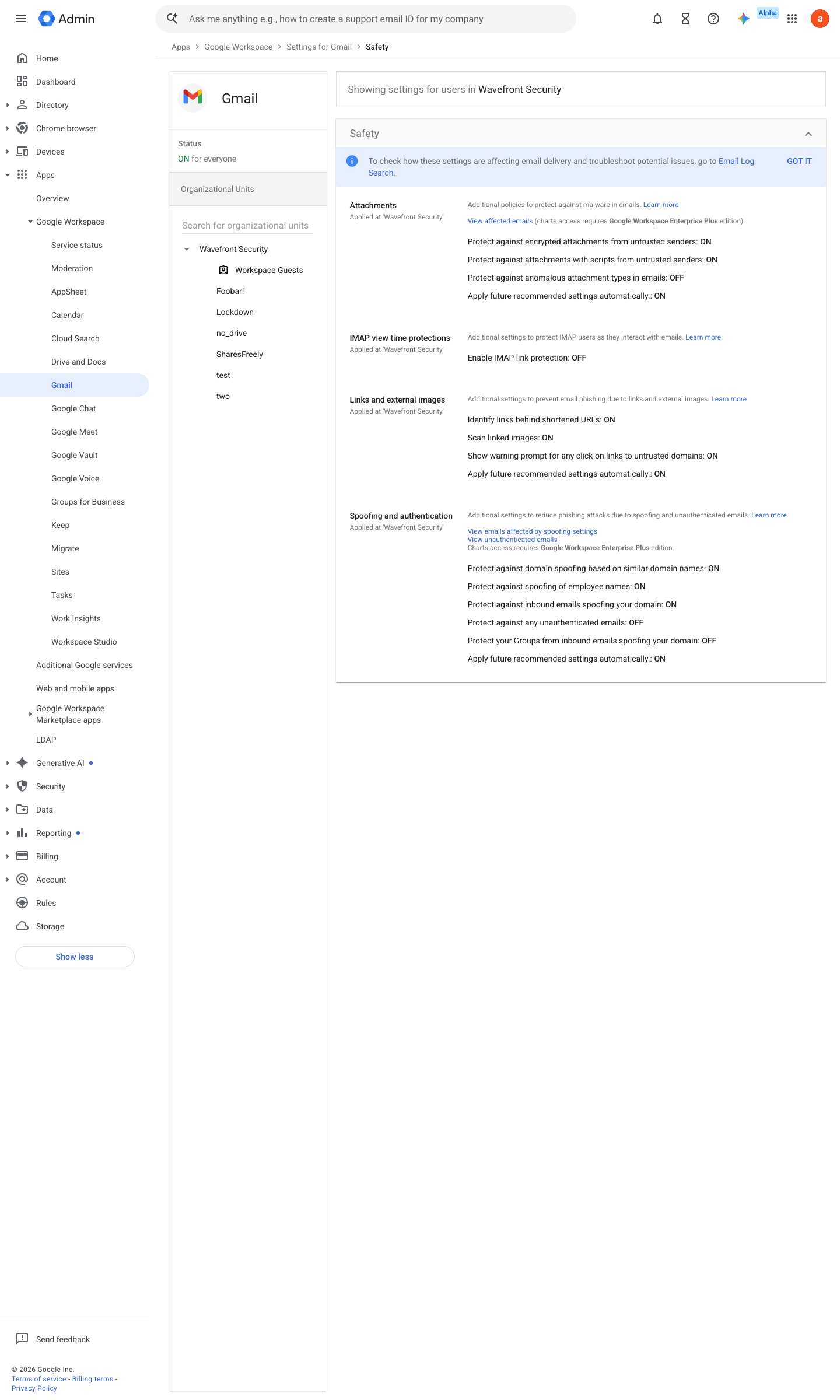
https://admin.google.com/ac/apps/gmail/safety · captured 2026-07-15
Apps › Google Workspace › Gmail › SafetyAttachments (encrypted, scripts, anomalous types), Links and external images (shortened URLs, linked-image scanning, untrusted-domain warnings), Spoofing and authentication (domain spoof, employee-name spoof, inbound unauthenticated, unauthenticated images) = all On; action = Quarantine or Move email to spam
-
Apps › Google Workspace › Gmail › Safety- Apply future recommended settings automatically
checked in each section (Attachments, Links and external images, Spoofing and authentication)
How to verify
-
Confirm the sandbox and safety toggles on the OU, then check the security sandbox verdicts appear in the investigation tool for recent attachments.
v0.1.3 Prevent edition Biz Std+, Frontline Plus / All policy #7 · #6 ↗