54 Alert-pipeline heartbeat
draft
A synthetic event is fired on a fixed cadence through each alerting path, and a watcher pages when the expected alert fails to arrive inside its window. Detection pipelines fail silently — a rule edited, a recipient group emptied, a mail filter added — and a dead detector looks exactly like a quiet week. The heartbeat is what tells the two apart.
Documentation: About the alert center
Caveats
- A heartbeat proves the pipeline is alive, not that any detection logic is correct — a green heartbeat with a broken rule is still a blind spot.
- Suppressing the heartbeat alert to reduce noise silently defeats the control — keep it visible, or assert on the delivery channel instead.
- Activity rules are available in all editions, but the per-event notification the heartbeat relies on (‘Get a notification every time an event occurs’) needs Enterprise Standard+, Education Plus, Frontline Plus, Enterprise Essentials Plus, Cloud Identity Premium or Chrome Enterprise Premium (№63 hits the same gate) — on other editions, run the heartbeat as a scheduled query on the exported logs (№33) instead.
Setup steps
- open ↗
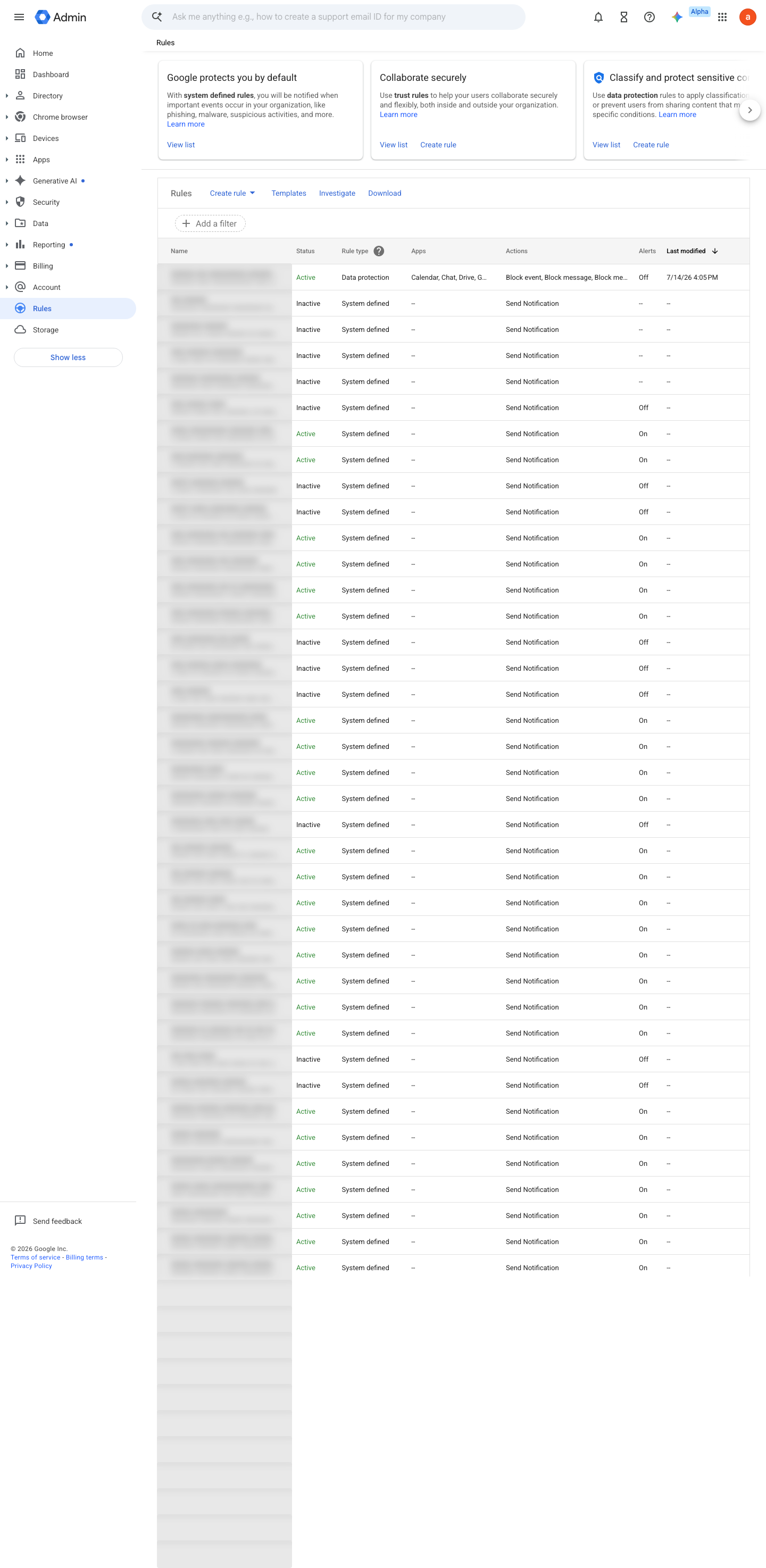
https://admin.google.com/ac/ax · captured 2026-07-15
Rules › Create rule › Activity- Action
Send to alert center + email notification to selected admin accounts (non-admin/external recipients must be reached via a Google Group)- Severity
Low
-
- Cadence
daily, fixed UTC hour
-
- Missing heartbeat within window
page on-call ('the detector is dead')
-
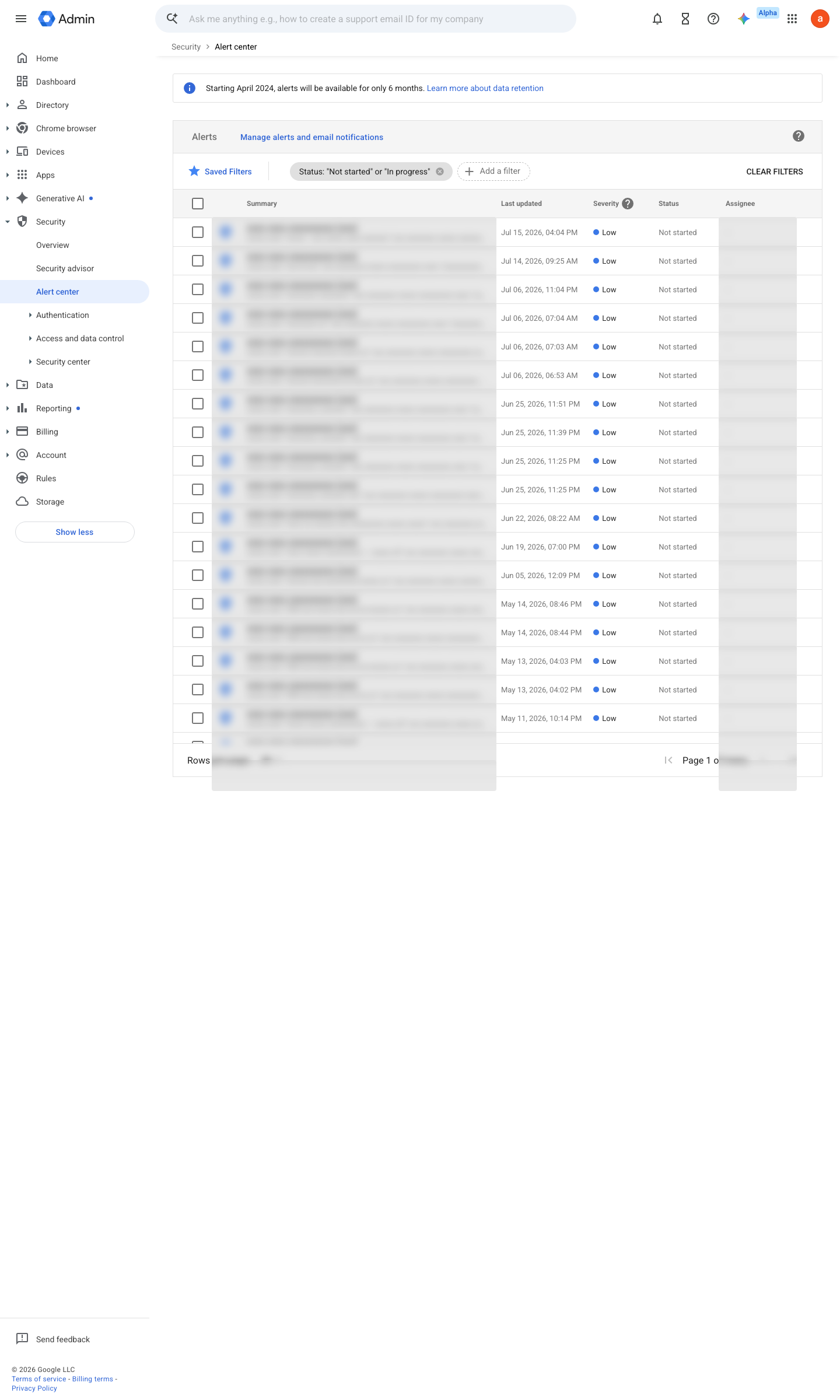
Ongoing maintenance
- automatable: script Daily/weekly per design: the heartbeat itself runs and a missing beat pages someone.
- requires a human Per missing beat: investigate which stage of the pipeline dropped it.
How to verify
-
Trigger the synthetic event and confirm the alert lands in the monitored mailbox within the expected window — an alert pipeline is only verified by an alert.
draft v0.1.2 Assure policy #33 · #12, #11 ↗