6 Super-admin separation & minimal count
Superadmin is the highest privilege level in Google Workspace. Superadmins can read any mailbox, reset any password and unwind any setting on this list. Because it is so powerful, superadmin accounts should only be used for administration: users superadmin access should have daily-driver accounts with typical user permissions. This control caps the number of superadmins and moves the role onto dedicated admin-only identities. We also turn off mail flow and third-party OAuth grants. This protects your most sensitive accounts from phishing exposure. Everyday accounts drop to the narrowest role that does their job.
Documentation: Security best practices for administrator accounts
Caveats
- Prebuilt delegated roles cannot manage any administrator account — only a super admin can reset an admin’s password or assign admin privileges. Custom roles are different: a custom role that can reset another admin’s password or assign roles escalates stepwise to super admin, so check the privilege set of every custom role.
- Do not delete the last super admin, and keep the break-glass account (№19) out of this cleanup entirely.
Setup steps
- open ↗
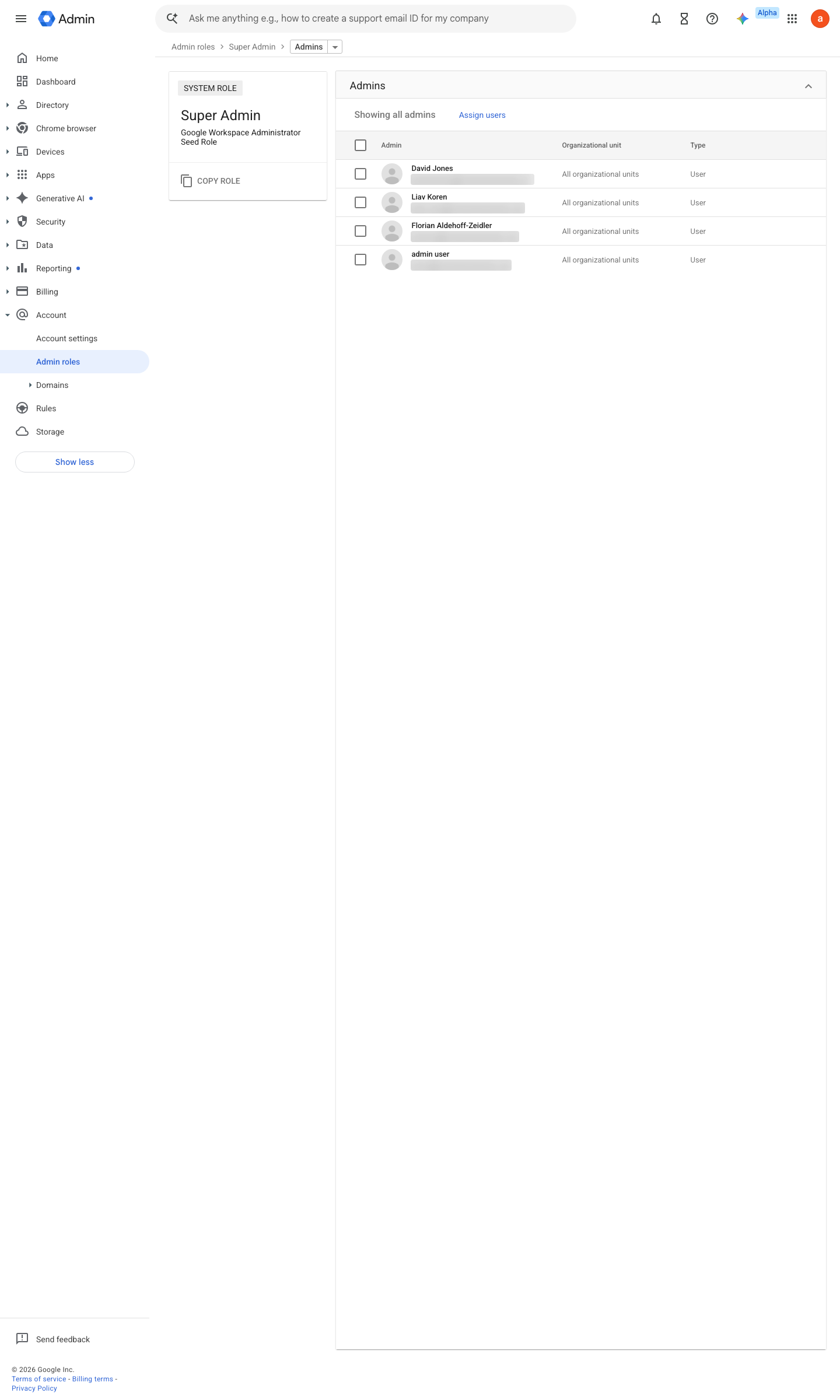
https://admin.google.com/ac/roles/65252159033180161/admins · captured 2026-07-15
Account › Admin roles › Super Admin- Super admins
2–4 named humans, no more
- open ↗
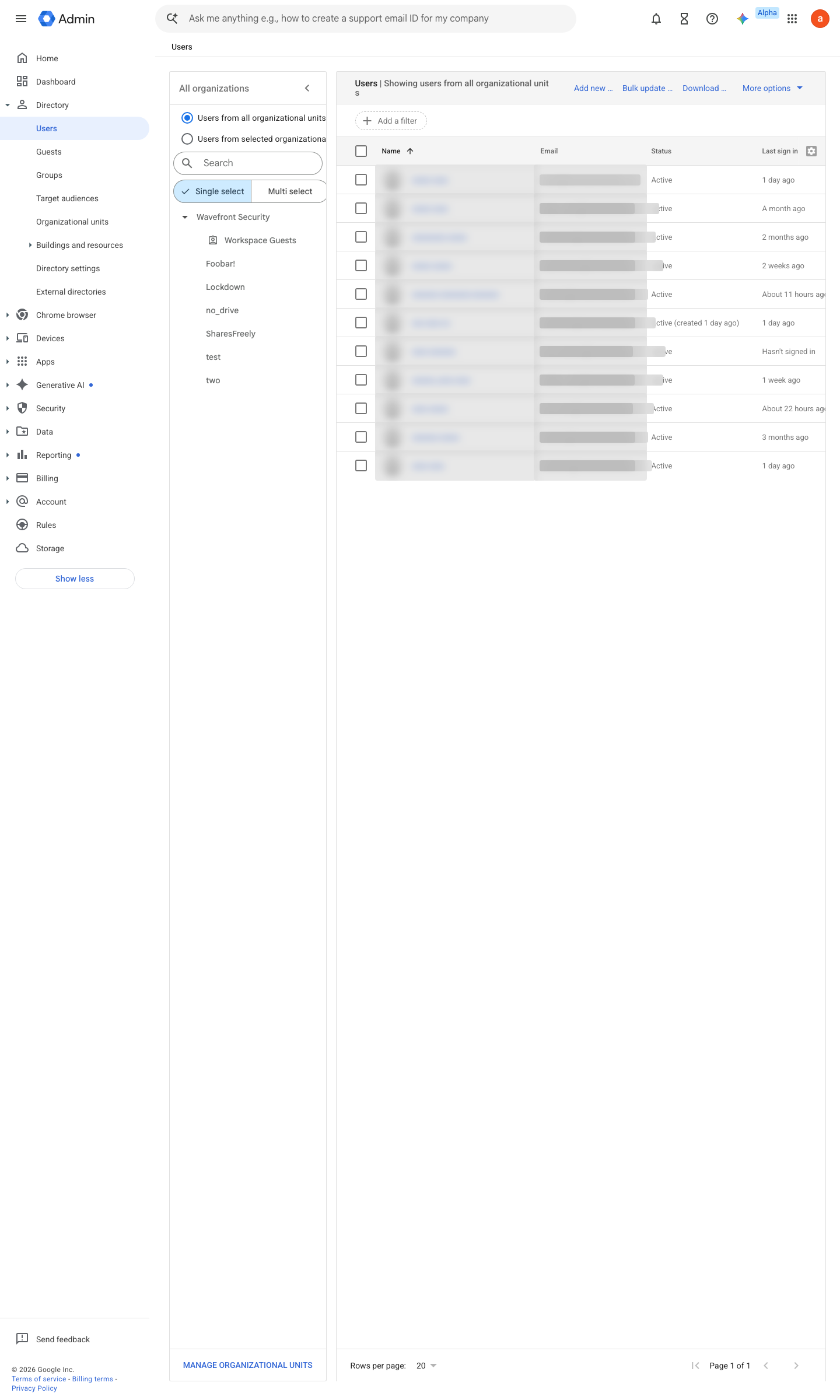
https://admin.google.com/ac/users · captured 2026-07-15
admin-<name>@<domain>, no mail flow, no third-party OAuth grants
- open ↗
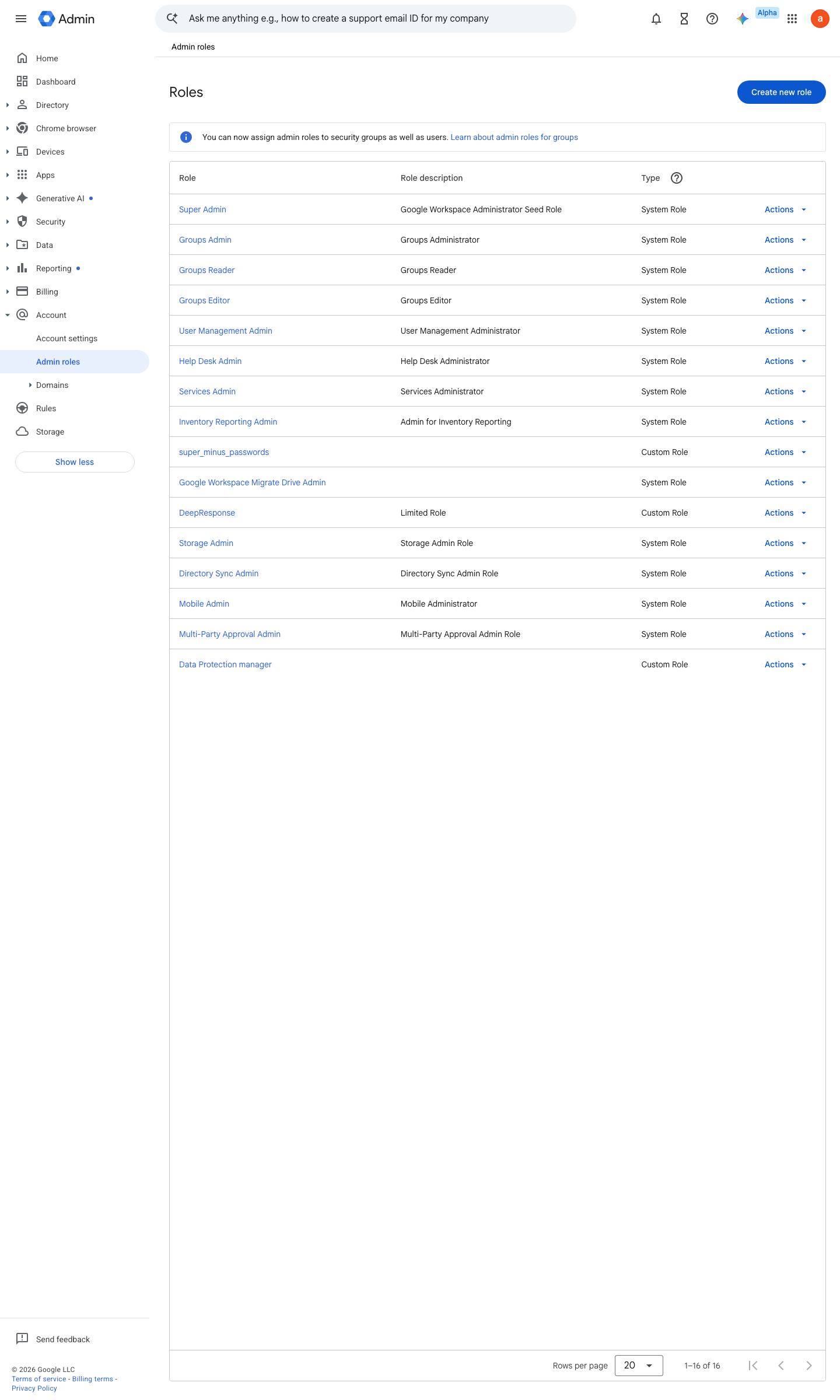
https://admin.google.com/ac/list/roles · captured 2026-07-15
- Daily accounts
delegated role only- Super Admin
admin-* identities
-
Account › Admin roles › <role> › AdminsRoster exported and dated
Ongoing maintenance
- automatable: script Quarterly: re-run the super-admin enumeration and re-attest each entry (folds into the №43 recertification cycle).
How to verify
-
Count the super admins and check they are dedicated admin-only identities (no mail flow, no OAuth grants).
gam print users query "isAdmin=true" fields primaryEmail,lastLoginTime -
The list should be 2–4 accounts, every one a dedicated admin identity — a daily-driver mailbox in this list is the finding.
v0.1.2 Prevent policy #4 · #28 ↗