19 Break-glass admin + offline backup codes
draft
A separate admin account, used only in an emergency, whose credential and printed single-use backup codes are held offline. Its username is an unguessable random string, and it lives in a dedicated OU kept out of any third-party SSO profile and exempted from all Context-Aware Access restrictions, so an IdP outage, a CAA lockout or a compromise cannot lock you out of your own tenant. Every sign-in to it is alerted on — an account that is never used has no legitimate login. It is the recovery path for every other control here that can lock you out.
Documentation: Security best practices for administrator accounts
Caveats
Setup steps
- open ↗
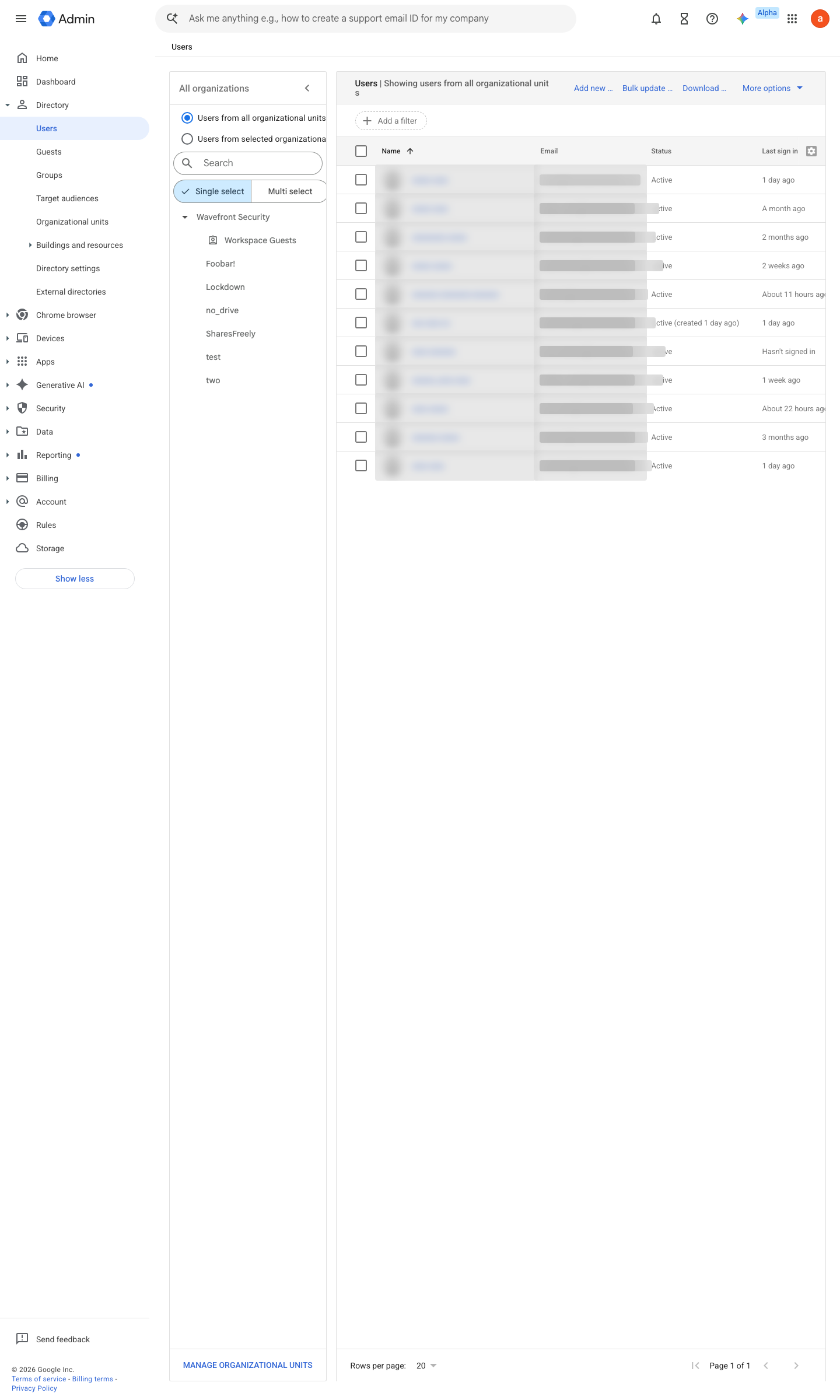
https://admin.google.com/ac/users · captured 2026-07-15
New user (random-string username) in a dedicated OU; Security > Authentication > SSO profile = None for that OU; no CAA access levels assigned to that OU (№14)
-
Activity rule on login events for this account (Rules, or Reporting > Audit and investigation > Create activity rule); alerts surface in the Alert Center
-
Directory > Users > select the user > Security > 2-step verification > Get backup verification codes; sealed envelope, tamper-evident, split custody
Ongoing maintenance
- requires a human Quarterly: repeat the sign-in drill and re-seal fresh backup codes; log the drill.
How to verify
draft v0.2.0 Recover policy #3 · #11 ↗